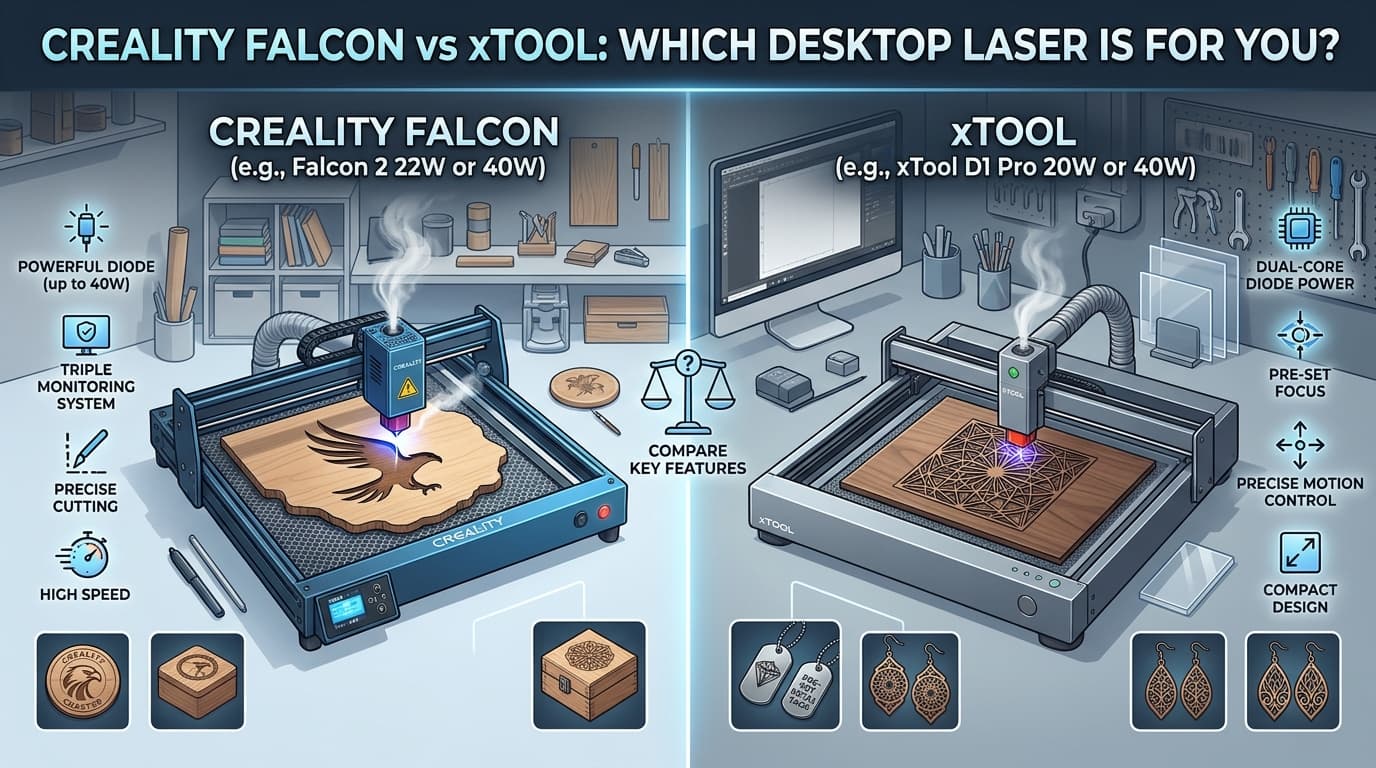
If you have been researching diode laser engravers for more than an evening, you have ended up comparing these two. They cover the same ground, at similar prices, with similar specifications, and the reviews tend to conclude that both are good — which is true and unhelpful.
Here is what actually separates them.
The short version
Creality Falcon if you want maximum laser power per dollar and you are comfortable being slightly more hands-on.
xTool if you want the more polished software and ecosystem, and you will pay a premium for a smoother experience.
Power, where Falcon competes hardest
Creality's Falcon range spans a wide output spread — models at 12W, 22W, 40W and the enclosed Falcon2 Pro at 60W. Tom's Hardware reviewed the 60W Falcon2 Pro and summarised it as delivering deep cuts alongside fine engraving, which is a fair description of what the higher-output diodes in this range do.
xTool's lineup runs across the S1 enclosed diode machines, the P2 CO2 series and the compact F1, with the S1 as the direct competitor to the Falcon2 Pro.
What power actually gets you: thicker single-pass cuts and faster engraving. What it does not get you is new materials — a 60W diode still cannot cut clear acrylic, because that is a wavelength problem rather than a power problem.
If your work is engraving and cutting thin material, the lower-output models are genuinely sufficient and the money is better spent on an enclosure or air assist. If you are cutting hardwood above a quarter inch regularly, the higher output pays for itself in time saved.
Enclosed or open frame
This is the decision that should come before brand.
Open frame machines are cheaper and have unlimited work area in one axis, since you can slide material through. They also fire a laser across an open desk. You need goggles, you need the room ventilated, and you need to keep pets and children out entirely while it runs.
Enclosed machines contain the light, usually include extraction, and are far more appropriate for a house rather than a workshop. They cost more and limit material size.
Both brands offer both. If the machine is going anywhere near shared living space, buy the enclosure. The upgrade cost is smaller than the cost of an accident.
Software
This is xTool's clearest advantage.
xTool Creative Space is more polished and more beginner-forgiving than Creality's offering, with a workflow that gets a new user to a finished object faster.
Creality's Falcon software is functional but less refined. Many Falcon owners use LightBurn instead — the third-party standard that most serious laser users end up on regardless of brand. Both brands' machines work with it.
That reframes the software question: if you intend to use LightBurn anyway, the bundled software difference matters for about a week. If you want to use what came in the box forever, xTool's is better. Note that LightBurn is a paid licence and should be in your budget if you plan on it.
Air assist, and why it is not optional
Air assist blows a stream of air at the cut point, clearing smoke and debris. It dramatically improves cut quality and reduces scorching, and on wood it is close to essential rather than a luxury.
Check whether it is included or an add-on on the specific model you are pricing. This is a common source of a bundle looking cheaper than it is. Both brands offer it; both sometimes sell it separately.
Materials, which is the same answer for both
Both are diode lasers, so the material list is broadly identical:
Cuts well: wood, plywood, MDF, leather, card, felt, dark acrylic, cork. Engraves well: the above, plus slate, glass, coated metals, anodised aluminium, stainless with marking preparation. Will not cut: clear or light acrylic, metal, glass. Never cut: PVC or vinyl — it releases chlorine gas, which damages you and the machine.
If clear acrylic is central to your work, neither of these is the answer and you should be looking at CO2, including xTool's own P2.
Build and support
Creality is a large manufacturer with a long history in 3D printing, which means wide parts availability and a substantial community — if something breaks, somebody has already posted about it.
xTool's units generally feel more refined out of the box, with better fit and finish.
Both have active user communities. Both have had individual quality-control complaints, as every brand in this category has. Buy through a retailer with a real returns policy and this risk drops considerably.
Running costs
Diode modules degrade and eventually need replacing. Check module cost and availability for the specific model — this is a real future expense and it varies more than you would expect.
Ventilation is mandatory. Either ducting to a window or a filter unit. Filters are consumables.
Material costs add up, and laser-safe stock costs more than hardware store plywood.
So which?
Creality Falcon if: you want the most output per dollar, you plan to use LightBurn anyway, or you want the 60W enclosed option specifically.
xTool if: the bundled software experience matters to you, you want the most refined machine out of the box, or you might move to CO2 later and want to stay in one ecosystem.
Neither if: you have not solved ventilation yet. That is what stops people using machines they already own.
Before you order
List your three main projects and their materials. Decide enclosed or open, honestly, based on where it will live. Check whether air assist is included. Price LightBurn if you want it. Confirm the ventilation plan before the box arrives.
Then check for a code. Laser engravers discount regularly, particularly around seasonal sales, and the savings often cover the air assist or the filter. Current verified Creality Falcon offers are on Discountsmaniac.
Related reading: WeCreat Vision vs Glowforge: Which Enclosed Laser Cutter Is Worth It? and Einstar 3D Scanners: What They Make and Who They Are For.
Anita Hills writes about consumer products and the practical business of buying them well. She covers home fitness, pool and garden equipment, desk hardware, automotive parts and personal care, with a focus on what a product is actually like to live with rather than what its spec sheet claims.
All articles by Anita